
AI Solutions
Never Take Meeting Notes Again: How AI Note-Taking in Google Meet Works
Think about your last team meeting. Someone had to talk, listen, and type notes all at once. Chances are, they missed something. Maybe it was a deadline. Maybe it was who agreed to do what. That gap between what was said and what got written down is where good ideas quietly slip away.
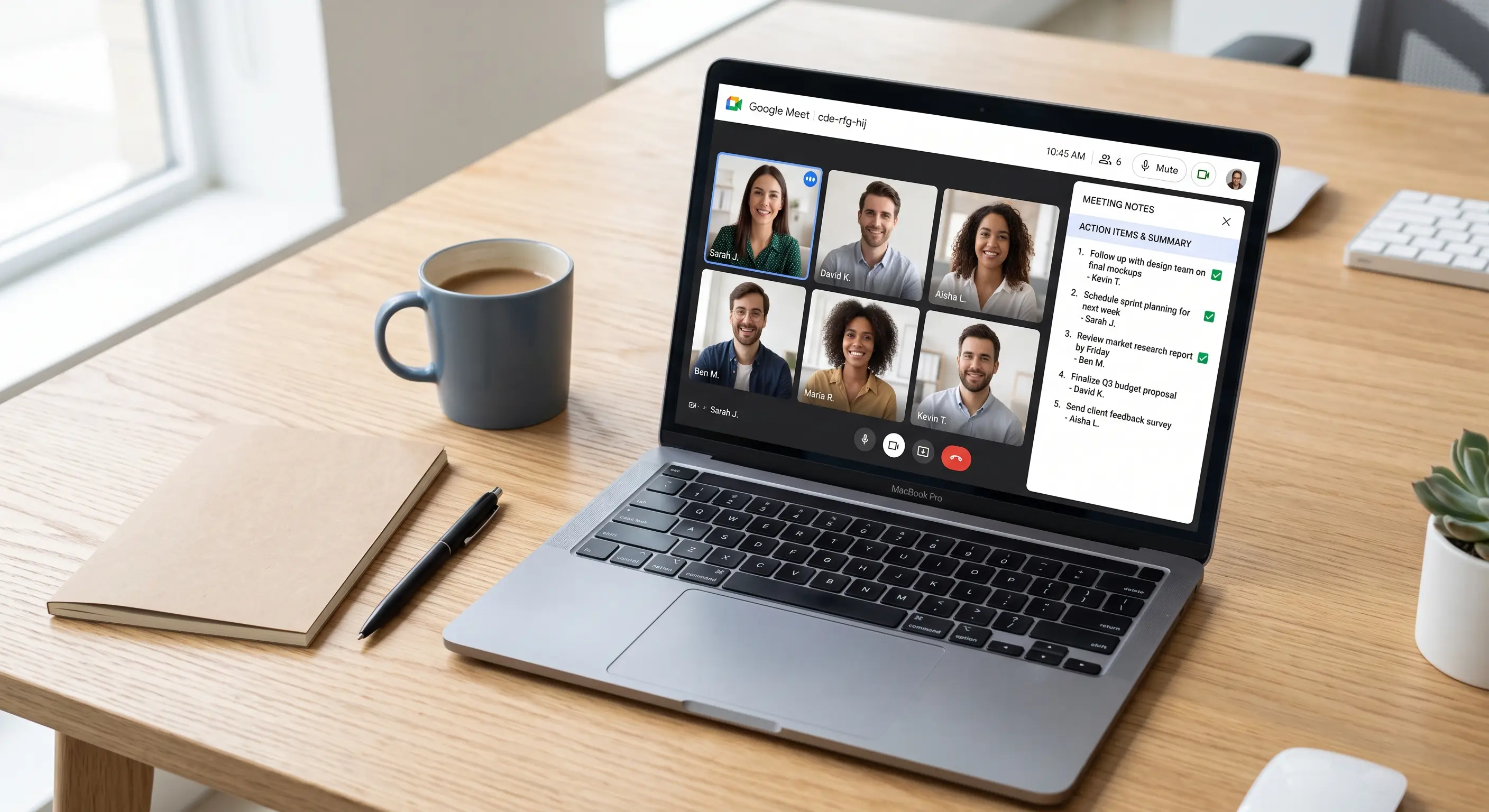
Google Meet’s AI note-taking feature, powered by Gemini, is built to close that gap. It listens to the meeting, writes a summary, and lists out the action items — so the person running the meeting can actually run the meeting, instead of splitting their attention between the conversation and the keyboard.
What It Actually Does
When you turn on the “take notes for me” option at the start of a Google Meet call, Gemini quietly works in the background for the whole meeting. Nobody has to babysit it or feed it commands. At the end, it produces a written summary that gets shared as a Google Doc, dropped straight into the meeting’s chat and calendar event.
That summary isn’t just a raw transcript. It’s organized into the topics that were actually discussed, with the key points under each one. It also pulls out action items — the specific tasks people agreed to during the call — so nobody has to remember them from memory alone.
If someone couldn’t make the meeting, they don’t need a recap call or a string of “can someone catch me up” messages. They can read the summary in a few minutes and know exactly what happened and what’s expected of them.
Why This Matters More Than It Sounds
On paper, “AI writes your meeting notes” sounds like a small convenience. In practice, it changes how your meetings feel and how much actually gets done after them.
You can finally be present in your own meetings. Note-taking pulls your attention away from the conversation. You’re half-listening while you type, and you miss the tone, the hesitation, the moment someone almost objects but doesn’t. When you’re not the one taking notes, you can actually watch your team, read the room, and make better calls in real time.
Fewer things fall through the cracks. Action items that only exist in someone’s memory have a way of disappearing by Thursday. A written list, sent automatically right after the meeting, gives every task a paper trail. That’s the difference between “I thought you were handling that” and a task that was written down, assigned, and visible to everyone from the start.
New or absent team members catch up fast. A new hire sitting in on client calls for the first time, or a manager who missed a project meeting, can read a clear summary instead of asking colleagues to repeat themselves. That saves everyone’s time, and it means fewer decisions get made without the full picture.
Meetings feel less exhausting. A meeting where everyone can just talk, listen, and think — without one person quietly doing double duty as the scribe — tends to move faster and stay more focused. People contribute more when they’re not worried about capturing every word for later.
Where This Fits Into a Small Business
Small business leaders wear a lot of hats, and meetings are often where the day’s real decisions get made — with a supplier, a client, or the team. But those same leaders rarely have a dedicated person whose job is just to take notes and chase people for follow-through afterward.
AI note-taking quietly fills that gap. It works the same whether it’s a two-person check-in or a full team planning session, and it doesn’t need setup beyond turning it on for the call. For a business that can’t justify hiring an admin assistant just to manage meeting notes, that’s a real gap closed at no extra staffing cost.
It also builds a habit that pays off over time: a written record of what was decided and who owns what, meeting after meeting. Months later, when someone asks “didn’t we already discuss this?”, there’s an actual answer instead of a guessing game.
A Few Things Worth Knowing
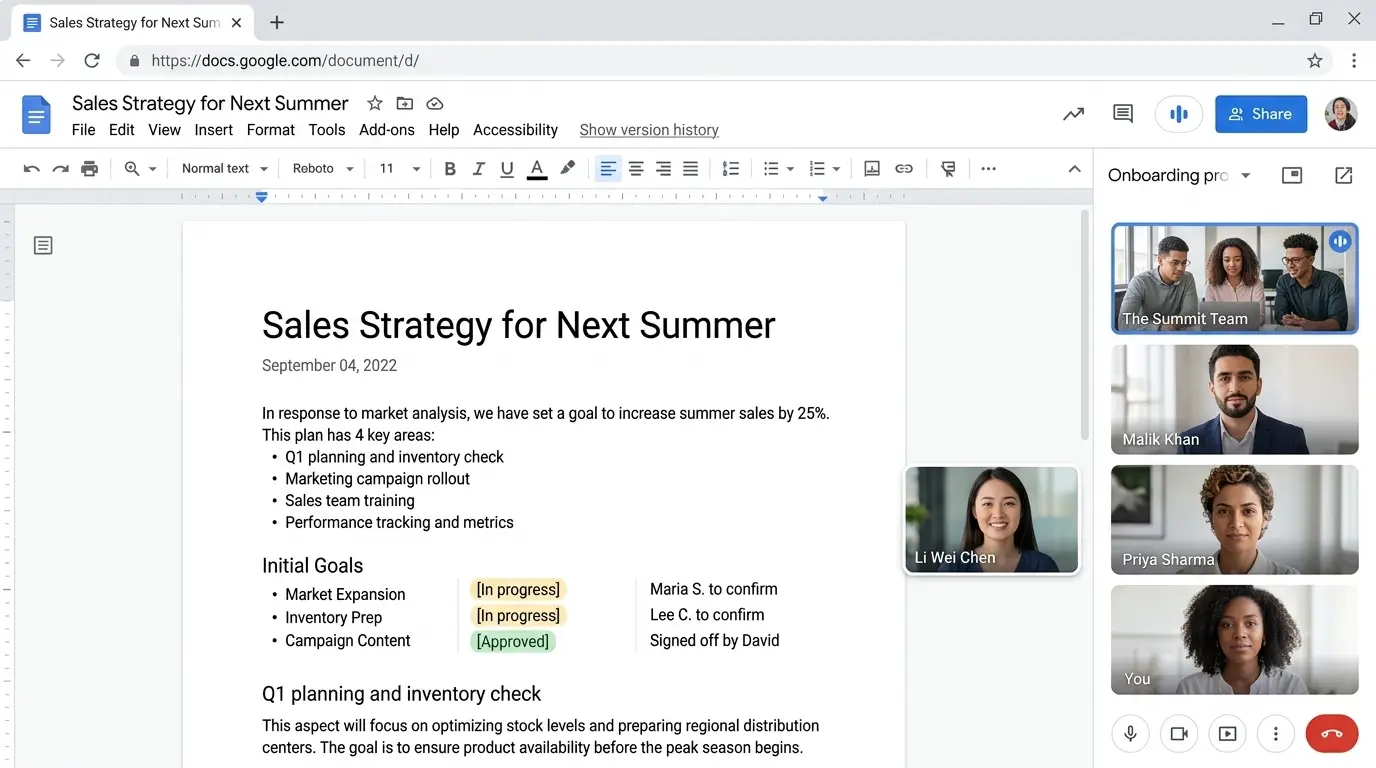
This feature works inside Google Meet, so it’s part of the same Google Workspace environment your team may already use for email, documents, and file sharing — there’s no separate app to learn or a new login to manage. Availability depends on your specific Google Workspace plan, since Gemini features are rolled out and adjusted over time, so it’s worth checking your current plan’s feature list before you rely on it for every meeting.
It’s also worth setting a simple house rule: someone should still skim the AI summary before it goes out, especially for calls with clients or where a decision has real financial weight. AI note-taking is very good at capturing what was said, but a fast human check makes sure nothing important got flattened into the wrong bucket.
Small Change, Real Relief
The businesses that get the most out of this feature aren’t chasing the newest AI trend for its own sake. They’re just tired of losing good decisions to bad notes. Turning on AI meeting notes is a small setting to change, but it removes a task nobody enjoyed doing in the first place, and it gives your team something concrete to act on the moment the call ends.
If your team is already using Google Workspace and wants to make better use of what’s already available to you — including Gemini’s AI features — get in touch and we’ll help you set it up properly.