
app-development
How to Build an MVP: Launch Your First App in Weeks
You have a great app idea. But every plan you sketch grows bigger, slower, and more expensive. Late nights go by, and nothing is live yet. This guide shows you how to build an MVP, so you can launch fast and learn from real customers.
Quick answer: how to build an MVP
An MVP (minimum viable product) is the smallest version of your app that solves one real problem for one type of user. To build one, you do five things:
- Name the one problem you solve.
- Pick the one user you solve it for.
- List only the features that fix that problem.
- Launch to a small group within weeks.
- Listen, learn, and improve in small steps.
That is the whole idea. Everything else can wait.
Why a smaller first version works
Most founders worry that a small app will look weak. The truth is the opposite. A big app built on a wrong guess costs far more than a small app that teaches you the right answer.
Building the wrong thing is the most expensive mistake in app development. You pay for design, code, and testing. Then you learn that nobody wants it. A small launch lets you find that out early, when changing course is cheap.
A long build with no feedback is also stressful. A quick first launch replaces worry with real answers, and you feel back in control.
Step 1: Define the one problem
Start with a plain sentence:
“[This type of person] struggles with [this problem], and our app helps by [doing this].”
If you need three sentences, your idea is too big for a first version. Keep trimming until it fits in one.
Talk to five or ten people who have this problem. Ask how they cope today. Do not pitch your idea yet. Just listen. Their words will tell you what matters most.
Step 2: Decide your MVP scope
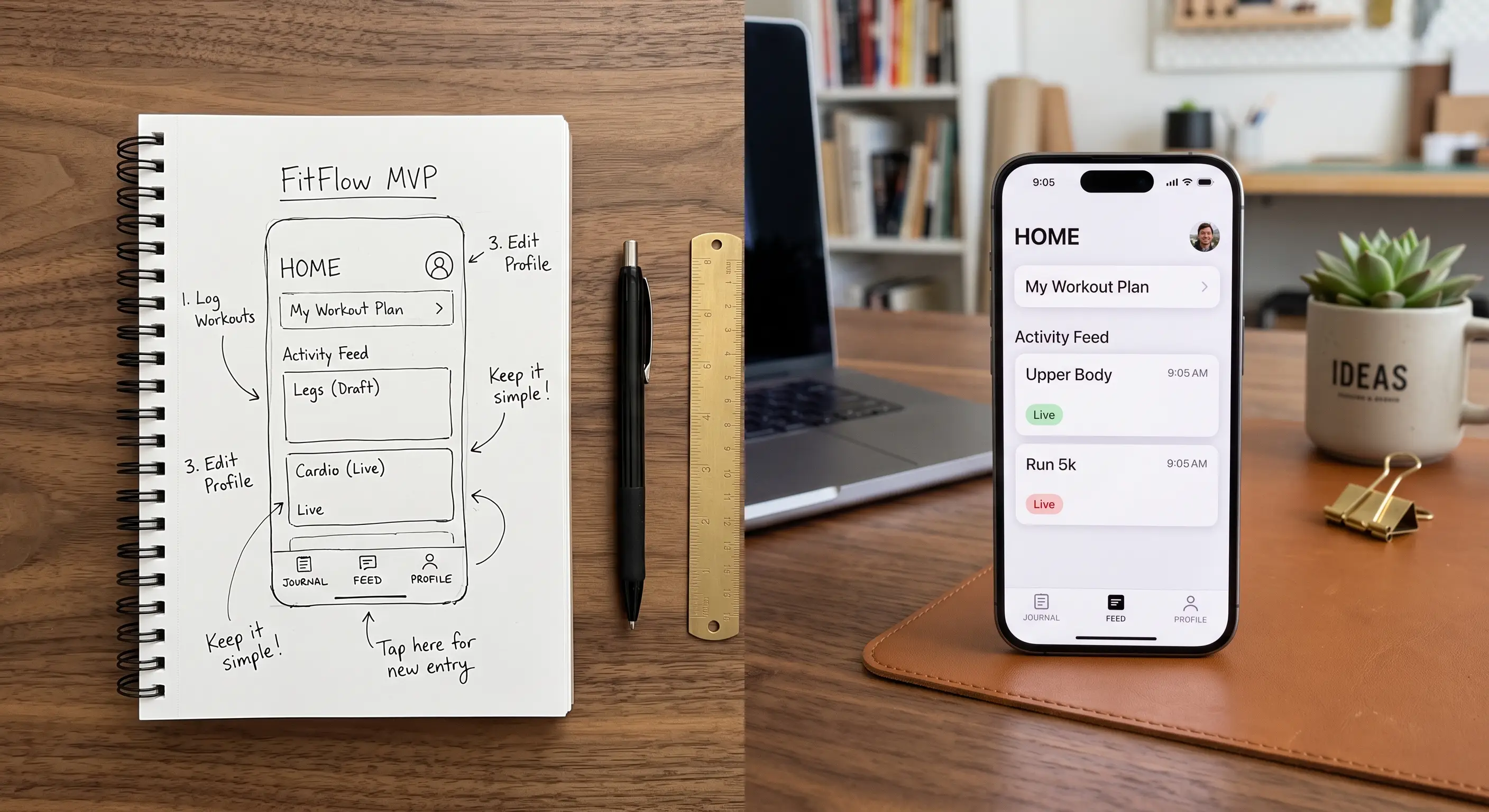
Scope means what is in the app and what is not. This is where most projects go wrong. Teams keep adding “just one more feature.”
Use a simple sort for every feature on your wish list:
- Must have: the app does not solve the problem without it.
- Nice to have: useful, but users can live without it for now.
- Later: a good idea for a future version.
Your MVP contains only the “must have” list. Be strict. If a feature does not help your first user solve the first problem, it waits.
What to leave out of version one
These are common items that can wait:
- Fancy settings and profile pages
- Advanced reports and dashboards
- Features for user types you do not have yet
You can add them later, once real users show you which ones they actually want.
Step 3: Build and launch in small releases
Instead of one big launch in many months, release small pieces often. Each release should be something a real person can use.
Small releases give you three benefits:
- Speed: you get to market in weeks, not a year.
- Lower risk: a small mistake is cheap and quick to fix.
- Momentum: your team sees progress every week, which keeps energy high.
Modern rapid development tools help here. Many parts of an app, such as forms, logins, and simple workflows, no longer need to be coded from scratch. That means your first working version can arrive much sooner than most founders expect.
If you also need a simple web page to explain your app and collect sign-ups, read why your website gets visitors but no customers first. A clear page makes your launch much easier.
Step 4: Build a feedback loop
Launching is not the finish line. It is the start of learning.
Set up an easy way to hear from users from day one:
- A short chat or call with each early user
- A simple “What would make this better?” question inside the app
- A weekly look at how people actually use the app
Watch what people do, not just what they say. If everyone asks for the same thing, you know what to build next.
Then repeat: plan a small change, build it, release it, and learn again.
Step 5: Know when to grow
You do not need to build everything before you grow. Grow when you see signs like these:
- Users come back without being reminded.
- People tell others about your app.
- The same feature requests keep appearing.
- Customers are willing to pay.
When you see these signs, you can invest with confidence. You are no longer guessing. You are following what your users have shown you.
Common MVP mistakes to avoid
- Building for everyone. A first app that tries to please all users pleases none.
- Skipping real users. Your friends being polite is not feedback.
- Ignoring basics like security. Small does not mean careless. Protect user data from the start.
- Doing it alone. Many founders have no technical lead. A good partner can guide scope and avoid expensive detours.
Where AI can help
AI can speed up parts of the work. It can help summarise user feedback, draft test content, or add a helpful assistant to your app later. But it does not replace the first step: choosing the right problem. Once your MVP works, you can explore AI solutions for your business, and read how AI automation can take repetitive tasks off your plate.
Frequently asked questions
How long does it take to build an MVP?
It depends on the idea, but a focused MVP can often be ready in weeks rather than many months. The key is a small scope. The more features you add, the longer it takes.
How much does an MVP cost?
Cost depends on your scope, the tools used, and the type of app. The best way to control it is to build only the must-have features first. A short chat with a development team can give you a realistic estimate for your idea.
What is the difference between an MVP and a prototype?
A prototype is a rough model that shows how an app might look or feel. An MVP is a working product that real people can use. A prototype helps you plan, while an MVP helps you learn from the market.
Should I build a web app or a mobile app first?
Choose the option your users are most likely to use today. Web apps are often faster to launch because they work on any device with a browser. You can add a mobile app later if your users ask for it.
Start small, learn fast
Knowing how to build an MVP saves you money, time, and stress. Pick one problem, build only what you need, and launch early. Then let your users guide the rest. If you want a partner to help you build and launch your app in small, fast steps, we would be glad to help — talk to us about your first app prototype.