
inFlow Inventory
Stockouts or Overstock? How to Set Reorder Points That Actually Work
Every business that carries stock eventually asks the same question: “How much of this should I actually keep on hand?” Guess too low, and you run out at the worst possible moment. Guess too high, and your cash is sitting on a shelf instead of working for you. Most businesses don’t have a system for answering this — they have a feeling. And feelings are a stressful way to run a warehouse.
The good news is that this isn’t a mystery. There’s a simple, calculable number called a reorder point, and once you know how to set it, a lot of the daily stress around stock just disappears.
Why “Just Guess” Stops Working
When you’re small, guessing is fine. You know your products, you know your customers, and you can eyeball the shelf. But as your product list grows, or you add a second location, or a supplier’s delivery times start to vary, that gut feeling stops being reliable. You end up firefighting: rush orders, apologizing to customers, or quietly writing off stock that never sold before it went out of style or expired.
The stress isn’t really about the stock. It’s about not being in control of something that affects your sales, your cash, and your reputation every single day.
The Real Cost of Getting It Wrong
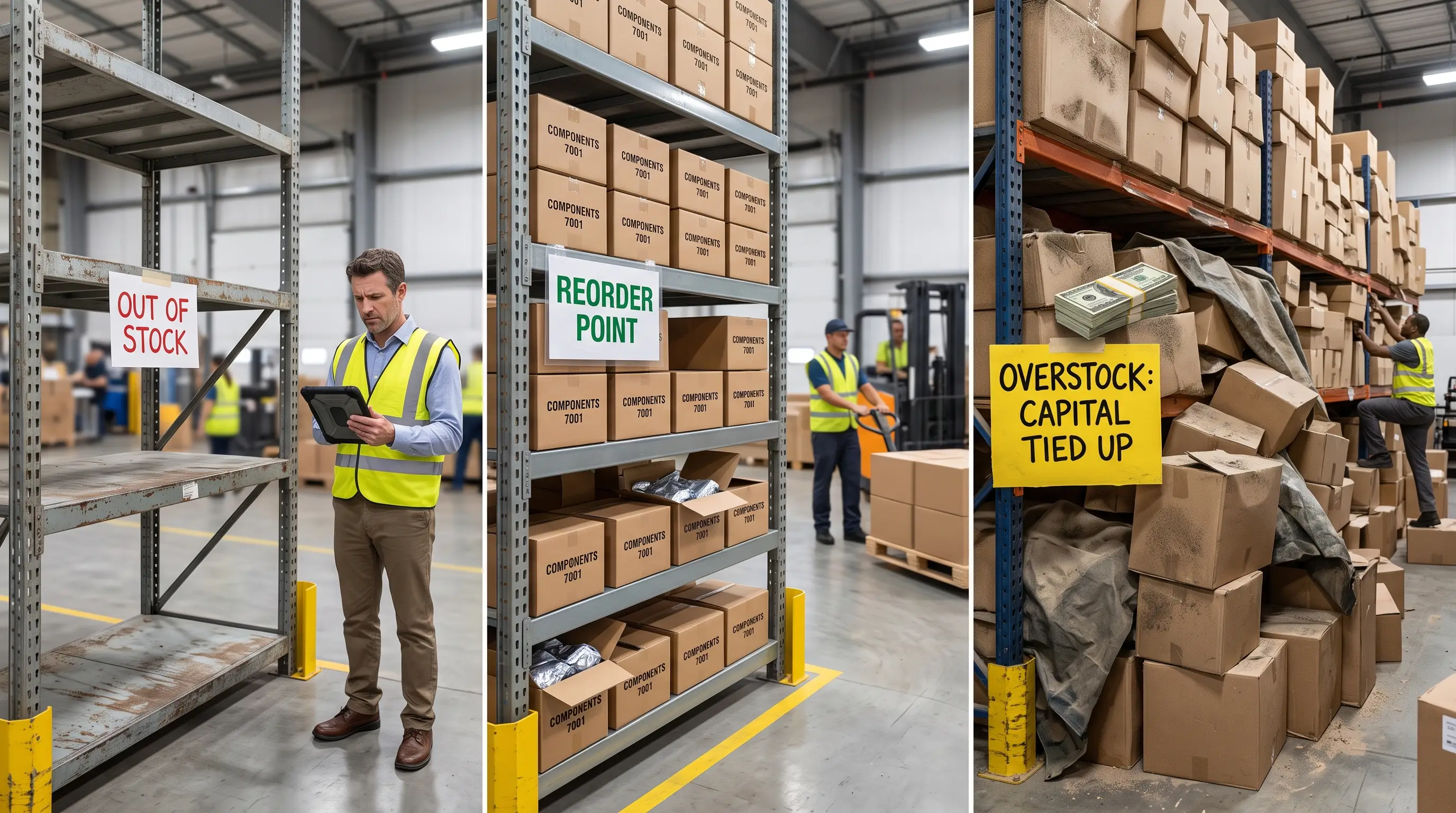
Poor stock planning shows up in two opposite ways, and both are expensive.
Stockouts
A stockout is simply running out of something customers want to buy. It feels small in the moment — “we’ll get more next week” — but it adds up. A customer who can’t get what they want today often just buys it from someone else today. Worse, if it happens more than once, they may stop checking with you first at all. For online sellers, a stockout can also mean disappointing an order that was already placed, which is a much harder conversation than a shelf simply looking empty.
Overstock
The opposite problem gets less attention because it doesn’t feel like a crisis — it feels like being “prepared.” But money spent on stock that isn’t moving is money you can’t use for anything else: payroll, marketing, a new hire, or simply breathing room in your bank account. Overstock also brings its own quiet costs: storage space, insurance, and the risk that slow-moving stock becomes damaged, outdated, or unsellable before it ever leaves the shelf.
Both problems come from the same root cause: not knowing, with any confidence, when to reorder and how much.

What a Reorder Point Actually Is
A reorder point is the stock level that tells you “order more now.” It’s not a guess — it’s built from three things you already know about your business:
- Average daily sales — how many units of this product you typically sell in a day
- Lead time — how many days it takes your supplier to deliver once you place an order
- Safety stock — a small buffer to cover the unexpected: a delayed shipment, a busier-than-usual week, a supplier hiccup
A simple way to think about it:
Reorder point = (average daily sales × lead time) + safety stock
Say you sell 10 units of a product a day, and your supplier takes 7 days to deliver. Without any buffer, you’d need to reorder once you hit 70 units left, just to avoid running out while you wait. Add a safety stock of, say, 20 units to cover a slow week or a late delivery, and your reorder point becomes 90 units. Once stock drops to 90, it’s time to order again — not next week when someone happens to notice the shelf looking bare.
The exact numbers will be different for every product you sell, especially ones with seasonal spikes or unpredictable demand. But the formula gives you a starting point that’s grounded in your actual sales history, not a hunch.
Why This Gets Harder as You Grow
A single product in a single location is manageable by memory. But most growing businesses aren’t dealing with one product — they’re dealing with dozens or hundreds, each with its own sales pace and its own supplier lead time. Add a second warehouse, a retail counter, and an online store all drawing from the same stock, and tracking reorder points on a spreadsheet or in your head becomes close to impossible. This is usually the point where business owners tell us they feel like they’re always one step behind their own inventory.
Letting Software Do the Watching
This is exactly the kind of repetitive, detail-heavy tracking that software handles far better than a person checking shelves. Inventory systems like inFlow let you set a minimum stock level for each individual product, and they watch it for you around the clock. When stock drops below that level, inFlow sends you an alert — daily or weekly, whichever fits how you work — so you know it’s time to reorder before it becomes urgent. It also generates forecasting reports based on your actual sales history, which takes a lot of the guesswork out of picking realistic numbers for lead time and safety stock in the first place.
The real shift isn’t just fewer stockouts or less overstock, though those matter. It’s the relief of not having to hold all of that in your head anymore. You stop reacting to empty shelves and start making calm, planned decisions — freeing you up to focus on growing the business instead of constantly checking on it.
Getting Started
You don’t need to calculate reorder points for every product on day one. Start with your best sellers — the products where a stockout would hurt the most — and work outward from there. Even a rough reorder point beats no plan at all, and it gets more accurate every time you refine it with real sales data.
If you’d like help setting this up properly, or want to see how inFlow’s stock alerts and reporting could work for your product range, get in touch — we help businesses set this up so it runs quietly in the background, the way it should.