
Google Workspace
5 Signs Your Business Has Outgrown Free Gmail (And What to Do About It)
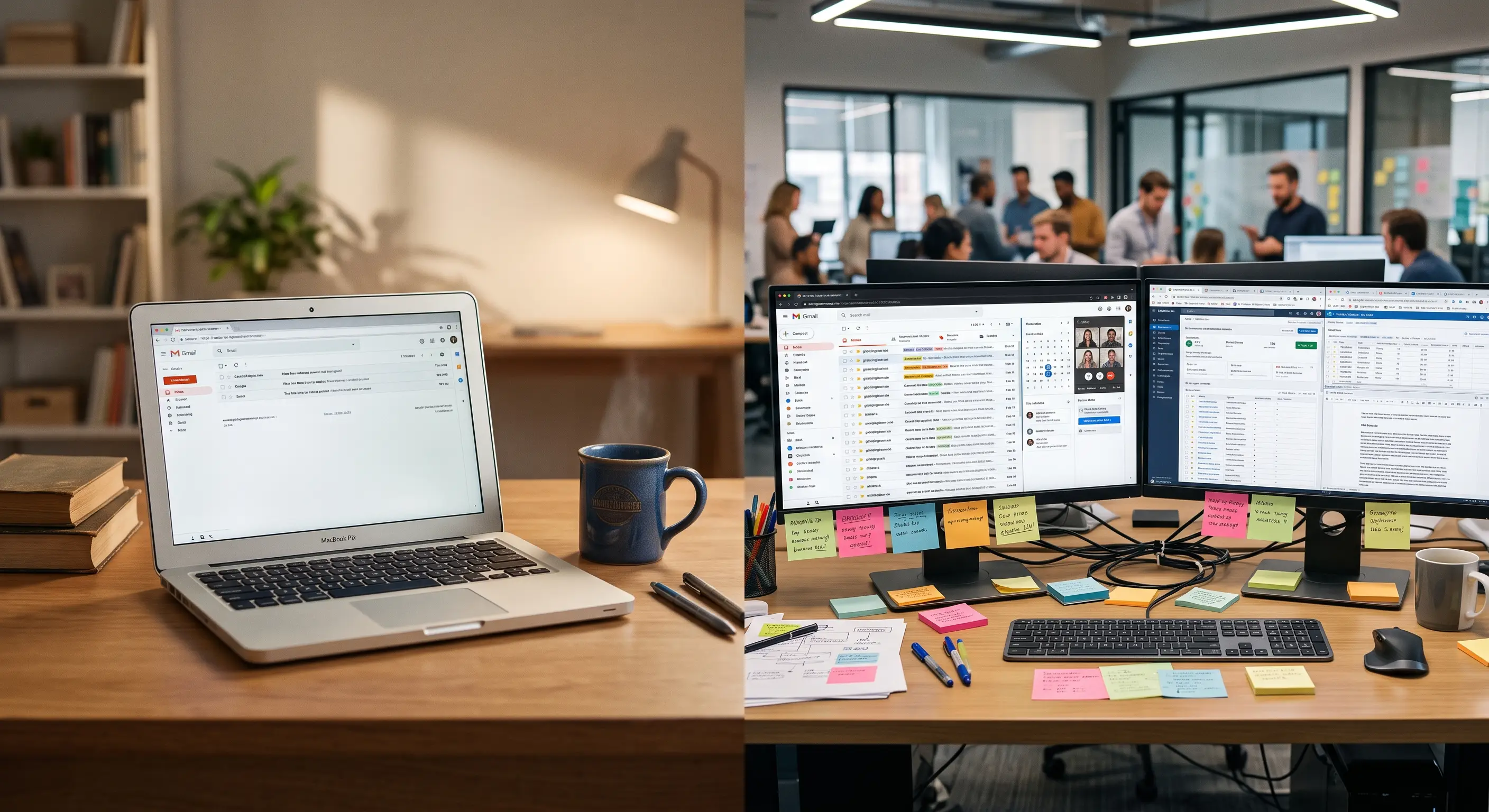
Plenty of small businesses start with a free personal email account. It costs nothing, it’s easy to set up, and in the beginning it does the job. But as your team grows, that same free account starts to hold you back in ways that are easy to miss — until they start costing you customers, time, or trust.
The signs are usually small at first: a missed message here, a mixed-up file there. None of them feel urgent on their own. But add them up over a few months, and they quietly become the reason your team feels stretched thin even when business is good.
Here are five signs your business has outgrown free Gmail, and what moving to Google Workspace actually fixes.
1. Your Inbox Is a Junk Drawer
When one inbox handles customer questions, supplier invoices, team chatter, and marketing sign-ups all at once, important messages get buried. You end up scrolling and searching, hoping to find that one email from three weeks ago before a customer notices you missed it.
Gmail inside Google Workspace is built to handle this kind of volume. Its search is fast and accurate, so instead of scrolling, you type a few words and the message you need shows up in seconds. That’s a small thing on a slow day — and a genuine relief on a busy one, when a customer is waiting on your reply, and you can’t afford to look disorganized.
It also means fewer dropped balls. A supplier email that slips past you for a week can mean a late delivery. A customer question that sits unanswered can mean a lost sale to a competitor who replied first. A calmer, more searchable inbox isn’t just tidier — it protects relationships you’ve worked hard to build.
2. “Which Version Is the Right One?” Happens Too Often
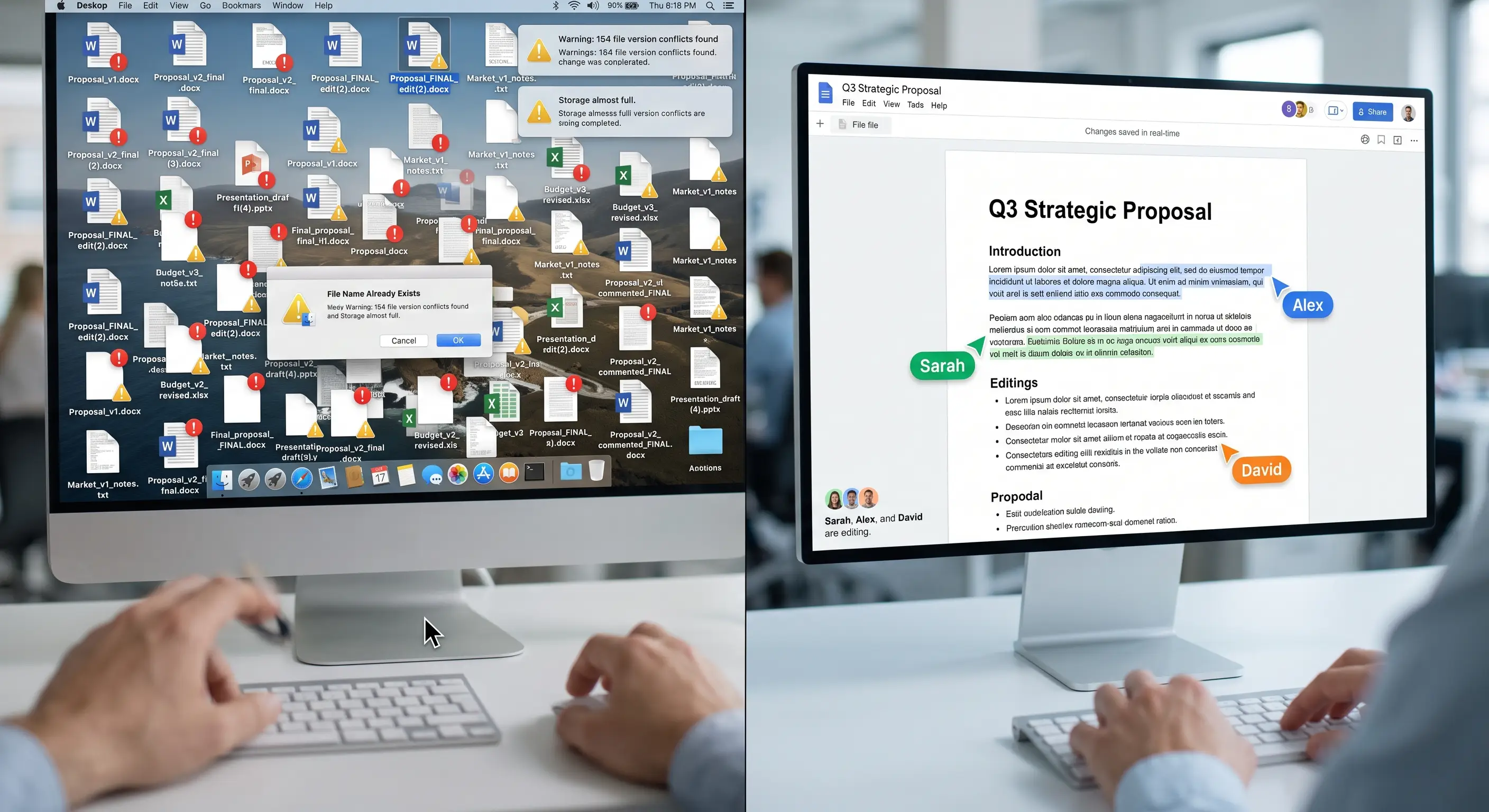
If your team shares files by emailing attachments back and forth, you already know the problem: three people make three separate edits, and now nobody’s sure which version is current. Somebody works from the wrong file, and the mistake only surfaces later — sometimes in front of a client.
Google Drive solves this by keeping one shared file that everyone edits together, in real time. There’s no “final_v3_ACTUALLY_final.docx.” Everyone sees the same document, with changes appearing as they happen. That single change removes an entire category of mix-ups from your day.
It changes how your team feels about collaborating, too. Instead of one person guarding “the master file” and everyone else waiting their turn, a proposal or a pricing sheet can be worked on by several people at once — each seeing the others’ changes appear live. Less waiting, less duplicated effort, less second-guessing which copy is real.
3. Remote or Hybrid Work Feels Disconnected
When part of your team works from home, or from a different site altogether, a personal email account doesn’t give you much beyond messages. There’s no shared chat, no easy way to jump on a call, and no natural sense of being on the same team when you’re not in the same room.
Google Workspace bundles Chat, Docs, and Meet together, so your team can talk, edit, and meet without switching between five different tools. Work feels connected again, even when people aren’t sitting next to each other — and that matters as much for morale as it does for output.
A team that feels connected asks questions instead of guessing, and catches problems before they become customer-facing. A team that feels scattered tends to work around each other quietly, which is how small misunderstandings turn into missed deadlines.
4. You’re Not Sure How Safe Your Business Data Really Is
Free personal accounts are built for individuals, not businesses — which means the protections that matter most to a company, like domain-wide security controls and account recovery options, often aren’t there. If a laptop gets lost or a password gets compromised, you may not have a clean way to lock things down.
Google Workspace is built with business-grade security from the start, with administrative controls that let you manage access across your whole team rather than trusting each person to manage their own account settings. For any business holding customer data, contracts, or financial records, that difference matters.
5. Switching Computers Means Losing Time
If your files live on individual computers rather than in the cloud, replacing a laptop or onboarding a new hire becomes its own small project — reinstalling software, digging up old files, hoping nothing important was only ever saved locally.
Because Google Workspace runs in the browser, your team’s files, email, and apps aren’t tied to one machine. Someone can pick up a new device, sign in, and get back to work almost immediately, with nothing lost in the switch. Less downtime for you means less waiting for your customers.

Making the Switch Doesn’t Mean Starting Over
The idea of moving your whole business off free email can sound daunting — old messages, old files, old habits. In practice, a well-planned move brings your existing mail history and files across with you, so your team isn’t starting from a blank inbox on day one. The bigger shift is habit, not technology: learning to share a live document instead of emailing a copy, or messaging a colleague instead of drafting another email.
Most teams find that shift takes far less time than they expected, mostly because the new way of working is genuinely easier than the one it replaces.
The Real Benefit Isn’t the Software — It’s the Calm
Every one of these fixes points at the same underlying win: less friction, fewer small fires, and more of your day spent on the work that actually grows your business instead of fighting your tools. That’s the real reason businesses move off free email — not because Google Workspace has more features, but because the everyday stress of scattered files and disconnected teams quietly disappears.
If any of these five signs sound familiar, it’s worth a proper look at what moving to Google Workspace would take for your team. Get in touch, and we’ll walk you through it.